UDIM Tile Manager
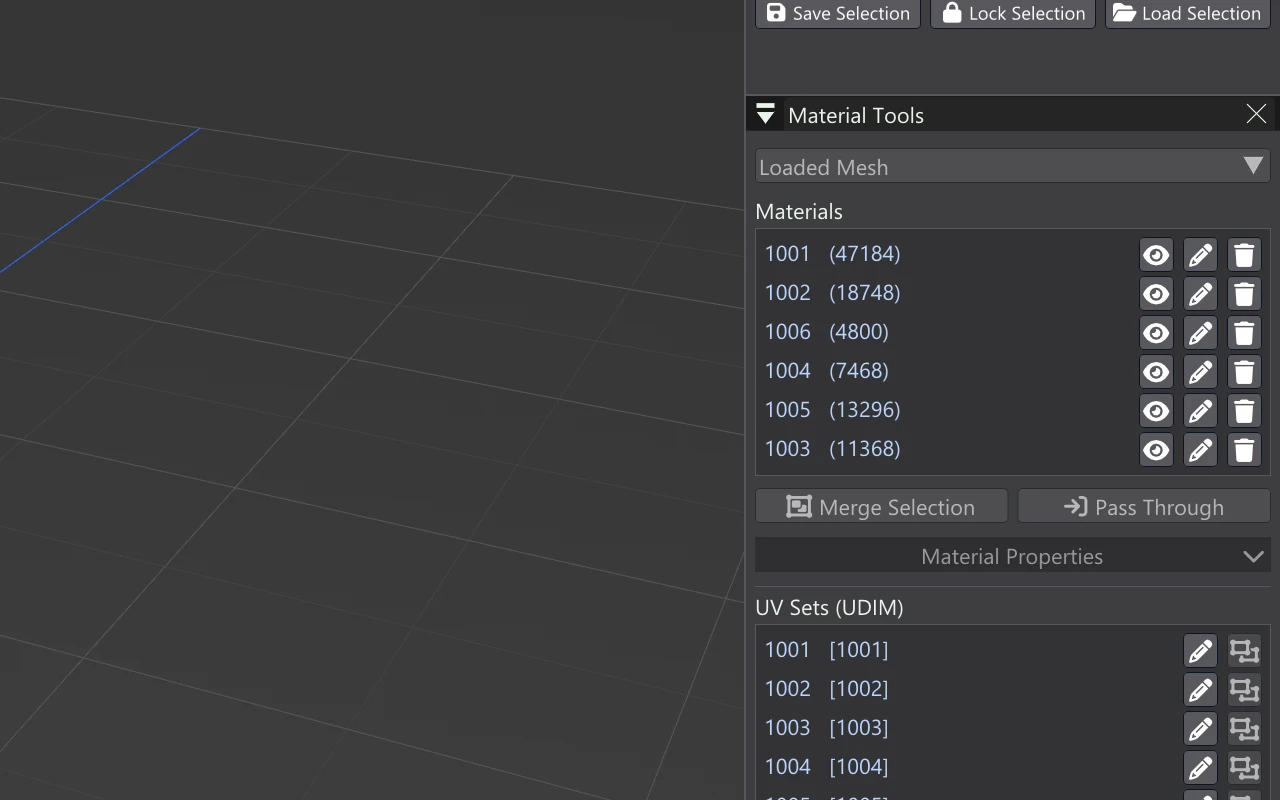
UDIM lays several texture pages out in one UV space — tile 1001 is the ordinary 0–1 square, 1002 the square to its right, and so on, each baking to its own texture. This section shows once at least one UV Set exists, even for a single-tile model. A UV Set is a named group of materials sharing one tile; every material belongs to exactly one set.
The tile list
Click a set to select the materials assigned to that tile. A warning glyph marks a set whose UVs already span more than one tile on their own — a tiling or repeat texture rather than a true UDIM layout — which is left pinned to tile 1001 and never offset, since shifting it would move geometry into a tile it was never actually in.
Reassigning a tile
The pencil icon opens a popup to type a new tile number (1001–1100, a 10×10 working grid), showing which column and row that resolves to. Two sets can never share a tile — the tile number is literally what names the texture each one exports to — and a conflict is flagged before you can confirm. A straddling set additionally needs "Assign a tile anyway" checked, since its layout has already been wrapped back into one square and no single tile really describes where it was.
Splitting a set
The split icon (enabled for a non-straddling set with more than one material) gives every material in that set its own tile, so each one bakes to its own texture page independently.