Micro-Displacement
A micro-displacement level holds detail far past what the mesh itself can carry: a small grid of heights on every face, drawn and sculpted on the graphics card. Each face keeps its own shape and its own size — a quad gets a quad grid, a triangle a triangle grid, and a face only gets finer where you sculpt fine detail on it, so the memory goes where the detail is. It works on whichever mesh the viewport shows, the Loaded Mesh or the Generated Mesh. Open it from the Subdivision Level section of the Sculpt sidebar with Micro-Displacement...: every setting is on the Numeric - Sculpt window's Micro-Displacement page.
Making a level
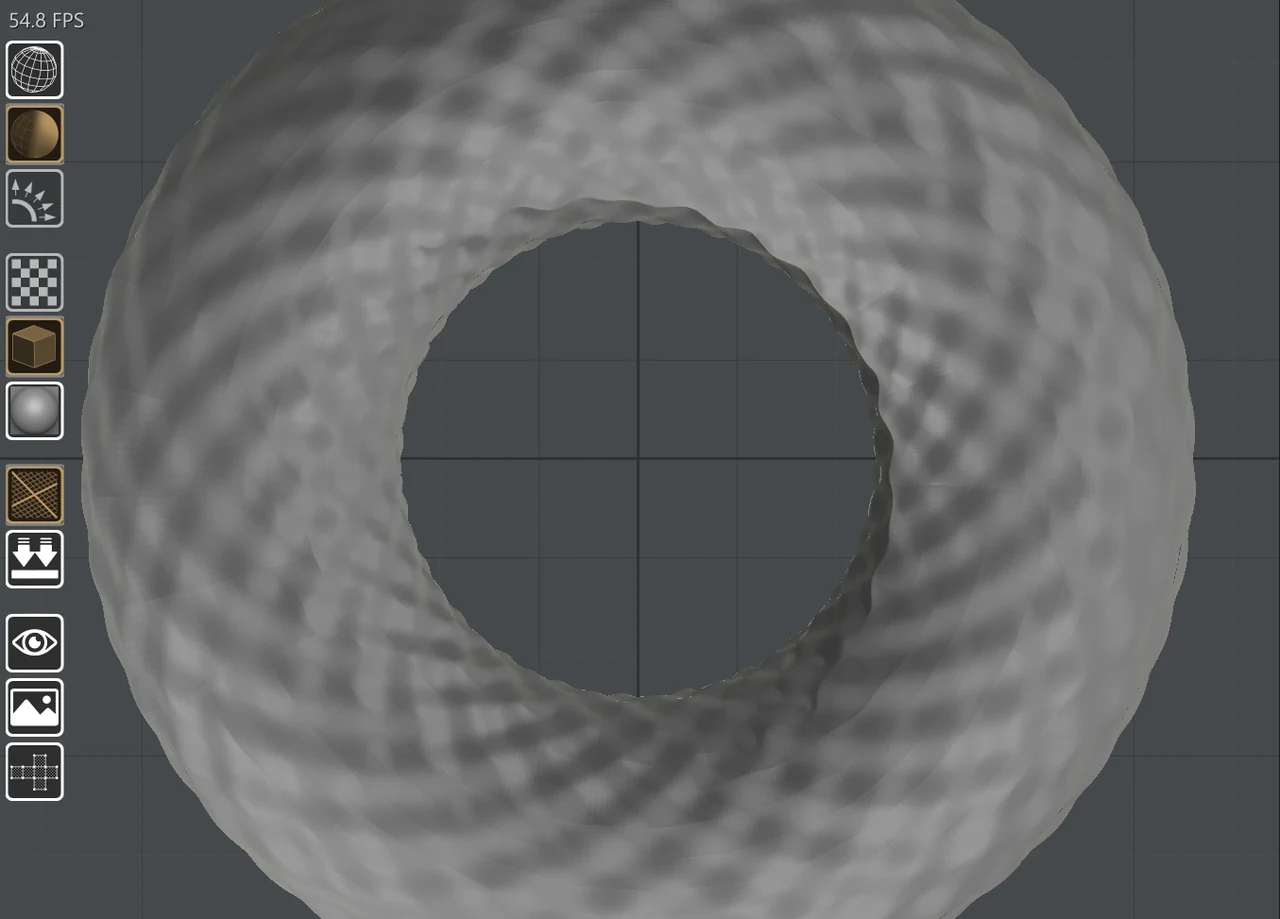
Set how fine the faces start and how fine they may become, then press Create Level. A new level is the mesh's own surface, smoothly rounded across each face; sculpting then raises and lowers it. It is one undo step, as is Delete Level.
| Control | What it does |
|---|---|
| Starting detail (segments a face side) | How fine every face starts, from 1 to 128 segments a side. Low is light on memory: faces get finer by themselves under a fine brush. |
| Finest detail (segments a face side) | The finest a face may become. 128 segments a side is 16,641 points on a quad. |
| Detail follows the brush | A brush covering fewer than 8 points of a face makes that face finer before it lands, so memory goes only where you sculpt fine detail. |
| Memory limit (MB, 0 = automatic) | The most the level may take on the graphics card. Automatic is a quarter of what the card has free for Vertexix, so the rest of the scene always fits. A level that would pass it is not made, and faces stop getting finer when it is reached (the status bar says so). |
Sculpting it
With a level on the mesh, the brushes that change height sculpt the level instead of the mesh: Sculpt Brush, Inflate Brush, Smooth Brush, Flatten Brush, Pinch Brush, Crease Brush, Fill Brush, Scrape Brush, Layer Brush, Clay Strips, Draw Sharp, Blob Brush, Planar Brush and Relax Brush. Radius, intensity, falloff, the pen, symmetry, the mask and the Build up setting work as they do on a mesh, and every stroke is one undo step.
The brushes that move the shape — Grab Brush, Move Brush, Pose Brush, Snake Hook, Rotate Brush, Thumb Brush and Elastic Grab — still move the mesh itself, and the detail rides along on it. Mask paints the mesh's mask, which the level's brushes then respect. Decimate Brush, Alpha Drag and Vector Displacement do not work on a mesh with a level: they change what a height grid cannot hold.
A level belongs to the faces it was made over. While a mesh has one, dynamic topology is off for it, and on the Generated Mesh the subdivision level cannot be changed. If something else changes the mesh's faces, the page says the level no longer fits: undo the change to bring it back, or delete the level.
Display
| Control | What it does |
|---|---|
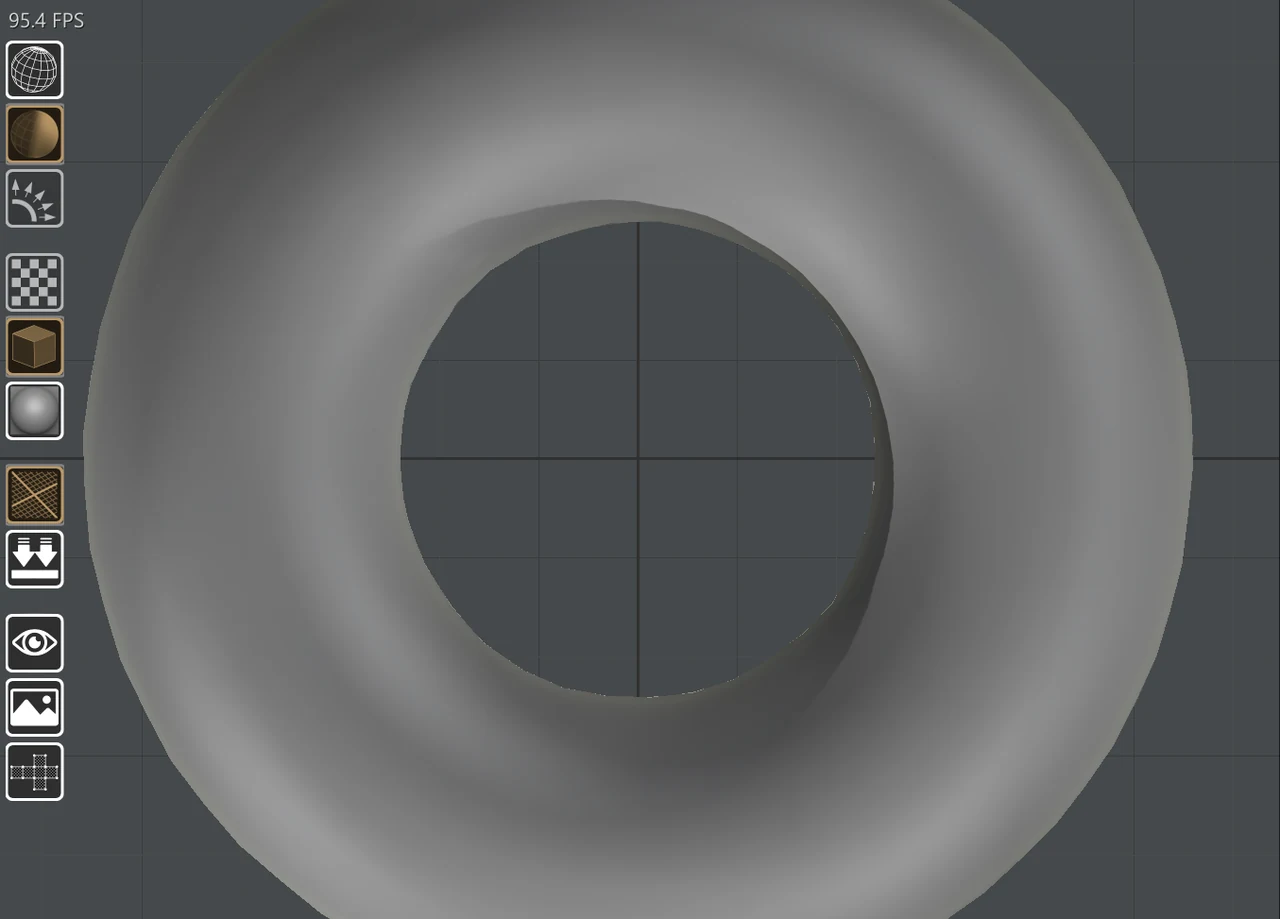
| Show micro detail | Draw the micro surface. Off, the mesh is drawn as it is. |
| Drawn detail (pixels a segment) | How much of the detail is drawn as geometry: lower draws more (slower). The lighting always shows all of it, however coarse the drawn geometry. |
The micro surface is drawn in the OpenGL view with the mesh's own lighting and matcap; PBR Preview shows the mesh without it.
Capturing a sculpt's detail
This is the retopology step the level is made for: build the Generated Mesh, give it a level, and press Capture from Loaded Mesh. Every face is first made fine enough for the Loaded Mesh's detail (up to Finest detail and the memory limit); then every point takes the height of the Loaded Mesh's closest surface. Search distance (% of the model's size) is how far a point looks: too far and it can reach a part of the model across a gap. The capture runs with a progress bar and can be cancelled; it is one undo step.
Exporting it
All three exports measure the detail from the mesh's flat faces — what a renderer displaces.
| Control | What it does |
|---|---|
| Ptex values | Height: one value a texel, along the flat face's normal. Vector offset: three, the move from the flat face in object space. Used by the Ptex file and the displacement map. |
| Write the mesh beside it (.obj) | A .ptx only fits the exact mesh it was made for, face for face. This writes that mesh next to it, its faces in the same order. |
| Export Ptex (.ptx)... | A Ptex file (Disney's per-face texture format): every face's detail at its own size, with no UV map. A quad is one Ptex face; a triangle is three. |
| Displacement map size, Padding (texels) | The size of the displacement map, 512 to 8192, and how far its islands are grown past their edges. |
| Export Displacement Map... | The detail as an image over the mesh's UV map, for renderers and engines that do not read Ptex: .exr (32-bit, scene units) or .png (16-bit, 0.5 = the surface; the status bar gives the scale). Needs a UV map. |
| Bake level (segments a face side), Export Baked Mesh... | The micro surface written as a real mesh, every face split into that many segments a side and welded to its neighbours (.obj, .ply or .glb). |
The level is saved in the project file. Close this page goes back to the selected mesh's page in Numeric - Sculpt; the level stays.
Micro-displacement is in Vertexix and Vertexix Ultra. A project with a level opened in another edition keeps the level as it is and saves it back unchanged.