Exporting
Two distinct actions cover getting a result out of Vertexix, and they live in different places.
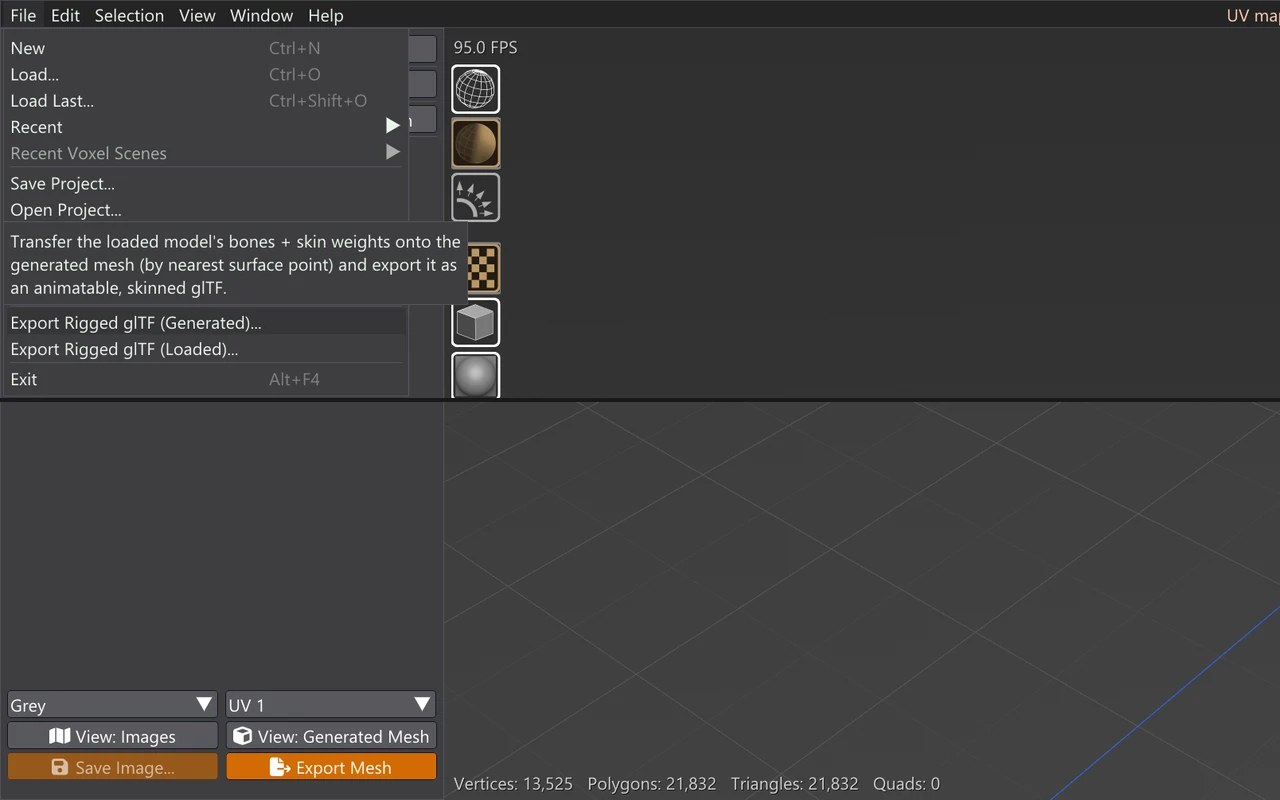
Export Mesh
A button in the sidebar footer (also bound to Ctrl+E), enabled as soon as anything is loaded — not only once a created topology exists. With a created topology, it saves that; with none, it saves the Loaded Mesh as-is, with its own UVs and its own original textures. That makes Vertexix usable as a plain format converter on its own — open an FBX, save a GLB — without remeshing something you have no interest in remeshing.
The Loaded Mesh is written in the background: Vertexix keeps responding, and the status line shows Exporting file... until it says Exported (or why it failed). What is written is the model as it was when you pressed Export, whatever you change meanwhile. One export at a time: pressing Export again before the first is written says so and does nothing. A 17-million-triangle model with a 4096 px texture takes about seven seconds as a GLB.
Export Rigged glTF…
A Ultra File-menu item, and not a format-converter path: it requires a UV-mapped created topology and a skeleton with skin weights transferred from the loaded model. See Exporting Rigged glTF for its exact prerequisites.